3 Claude Code skills so your designs do not look like a template.
A skill is a text file of instructions that Claude reads when a job matches it, and the right one can change how a design comes out. These are three design skills besides frontend-design. Each one gives Claude a different way to design, and below you see the same slide made with each of them.
- plugin: a small package that adds skills or tools to Claude Code.
- skill: a saved set of instructions that Claude follows when it fits the job.
- marketplace: a catalog of plugins that Claude Code can install from.
- session: one conversation with Claude Code, from when you start it until you close it.
- token: the unit Claude counts its working memory in, roughly three quarters of a word.
- hook: a small script that runs by itself at a set moment, for example when a session starts.
- Claude Code installed and signed in, which needs a paid Claude plan (how to install it).
- For ui-ux-pro-max only: Python on your PC. Type python --version in PowerShell, and any number means you have it.
How to add them
Type the commands below in PowerShell, not inside Claude. Each plugin comes from its own marketplace, so you first run one "marketplace add" line, which tells Claude Code where the plugin lives, and then one "install" line. The desktop app has a screen for the same job: the + next to the prompt box and then Plugins. After installing, type /reload-plugins inside Claude Code or start a new session, then ask Claude to use the skill by name.
What each one costs
The command claude plugin details followed by the plugin name shows how much it adds. This is what it showed:
| Skill | Added to every session | When Claude uses it |
|---|---|---|
| ui-ux-pro-max | about 709 tokens (7 skills) | about 3.9k for the main skill |
| canvas-design | about 80 tokens | about 2.9k |
| theme-factory | about 70 tokens | about 0.7k |
Tokens are the units Claude counts its working memory in. These are estimates from Claude Code itself, not exact bills. canvas-design and theme-factory come together in one plugin, example-skills, which adds about 939 tokens to every session in total.
One slide, four ways
Here is one job given to Claude four times: the cover slide of an Instagram carousel, 1080 by 1350 pixels, with the title "I tested 3 free AI voice tools on a real Windows PC. Only one worked.", a small label "Guide 1 of 5" and a swipe hint at the bottom. The first run had no skill. The other three each used one of the skills below. Look at what changes from the first picture.

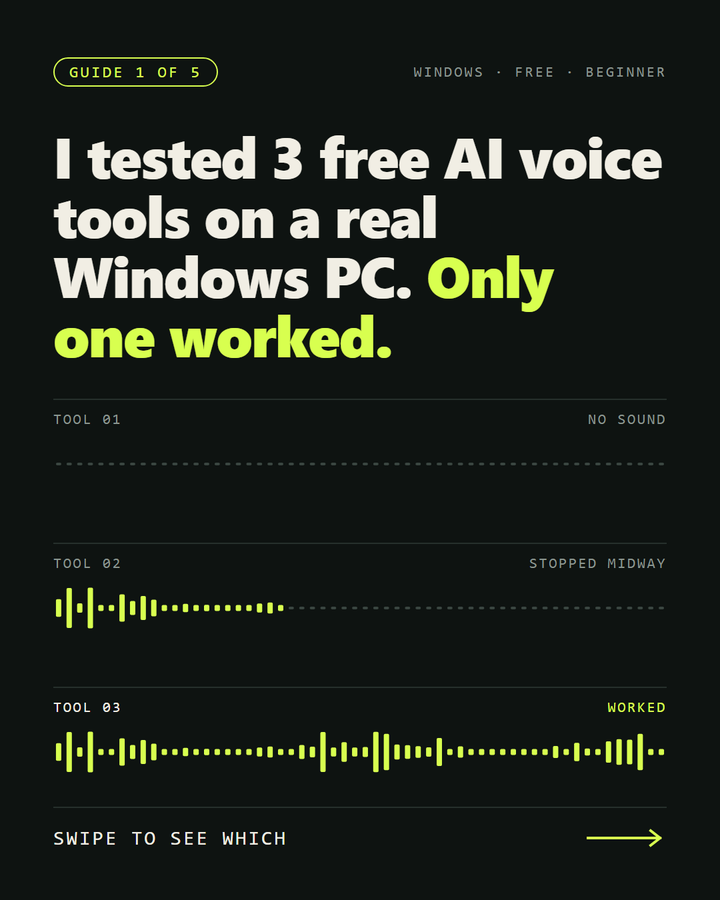
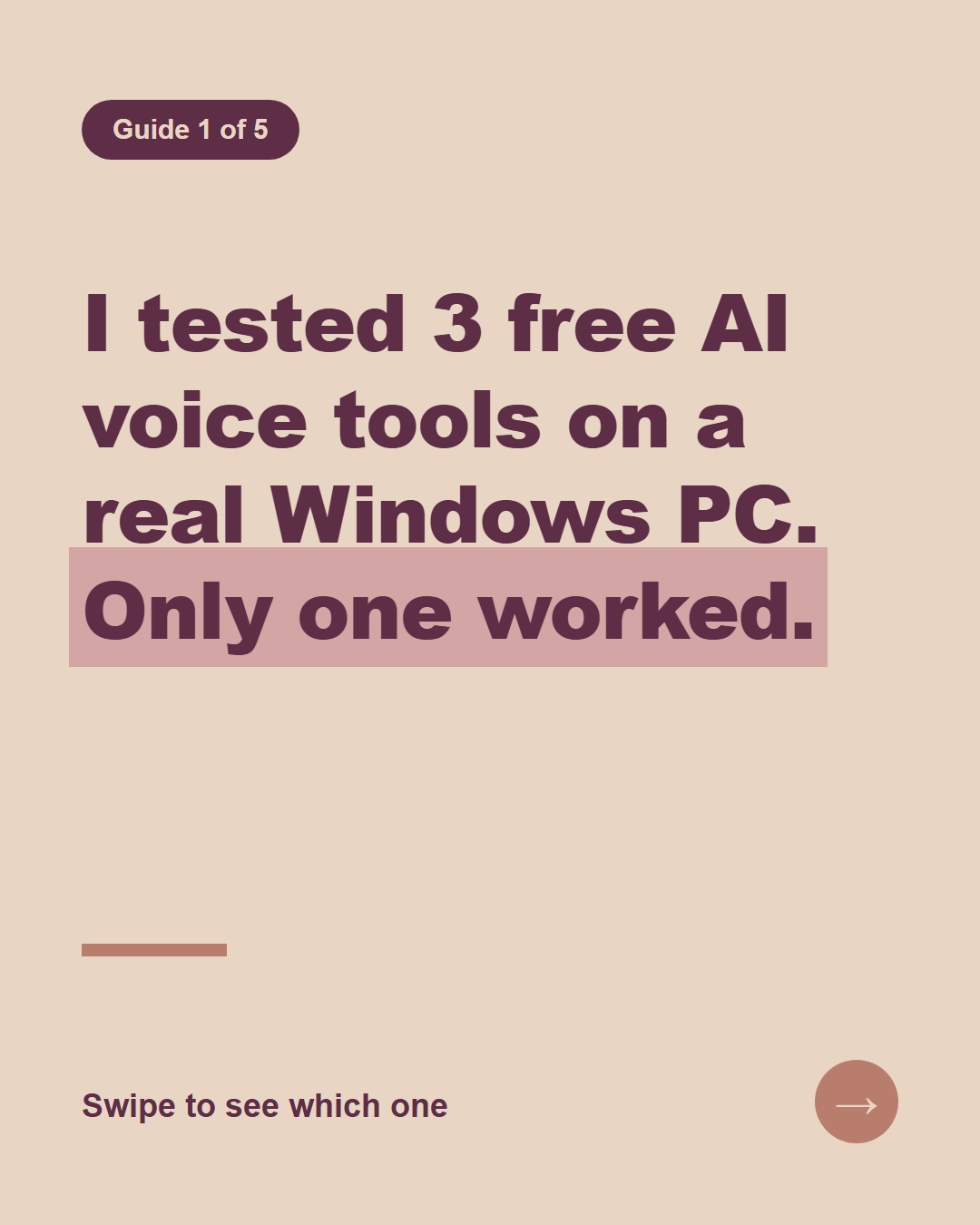
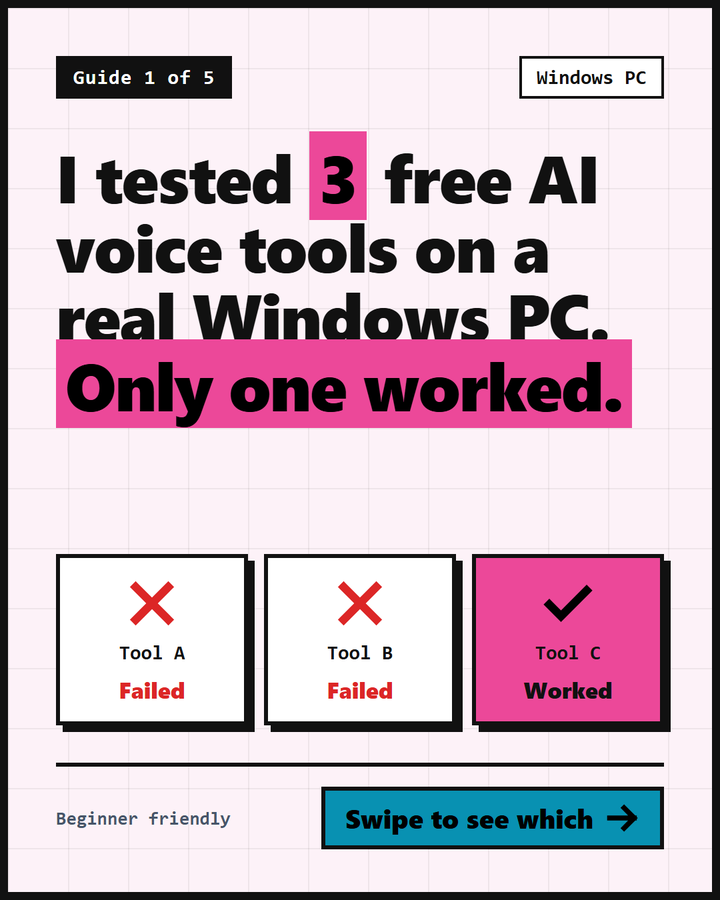
Each skill gives you something different. ui-ux-pro-max changes the whole style, canvas-design builds the slide around one picture, and theme-factory changes the colours and fonts and keeps the layout.
1. ui-ux-pro-max: a design library Claude searches first
What this is: a collection of 7 skills with a searchable list of design styles, colour palettes and font pairings. Claude looks up a style in it before it builds.
Type this in PowerShell
$ claude plugin marketplace add nextlevelbuilder/ui-ux-pro-max-skill
claude plugin install ui-ux-pro-max@ui-ux-pro-max-skill
Ask for it by name: "Use the ui-ux-pro-max skill and run its search tool as the skill describes." Claude searches the library, picks a style and builds the slide around it.
2. canvas-design: one idea turned into a picture
What this is: a skill that makes Claude write a short "design idea" first and then draw a poster or a picture from it. It comes in the example-skills plugin together with 11 other skills.
Type this in PowerShell
$ claude plugin marketplace add anthropics/skills
claude plugin install example-skills@anthropic-agent-skills
Ask Claude to use canvas-design and to write the slide as HTML. It first wrote its idea, built around measurement and strips of marks, and then drew the cover from it.
3. theme-factory: matching colours and fonts
What this is: 10 ready-made sets of colours and fonts, such as Ocean Depths, Midnight Galaxy and Tech Innovation, meant for slides, documents and pages. It is in the same example-skills plugin.
It needs no extra command because it comes with the plugin above. Ask for it by name: "Use the theme-factory skill". In a normal chat it shows you the themes and waits for your pick.
Which one to start with
If every slide looks the same, start with ui-ux-pro-max, because it changes the whole style. If you have one clear idea for a cover, try canvas-design. Take theme-factory when you already like your layout and want colours and fonts that match across a set.
If you already installed frontend-design. The plugins guide installs it on its own, and the example-skills plugin contains a copy of it too. Claude then lists it twice and the extra copy adds about 60 tokens to every session. To avoid the duplicate, remove the standalone one with claude plugin uninstall frontend-design@claude-plugins-official. Pick one main style skill rather than stacking several.
How to get the best result
These skills change how Claude designs, and Claude can still slip on details. A clear prompt makes the difference between a nice design and a messy one. Tell it:
- The layout: one idea per slide, what goes at the top, in the middle and at the bottom.
- The colours and fonts: name them, or name the skill and the theme.
- The exact text: paste the words you want, so Claude does not make up its own.
- The rules: safe margins, a text size that is easy to read on a phone, nothing near the edges.
Then open the result yourself, or ask Claude to open it in a browser and take a screenshot, and fix what looks off before you post it. Read every word on the picture too.
How to remove them
Type the same line with uninstall in place of install, for example:
Type this in PowerShell
$ claude plugin uninstall ui-ux-pro-max@ui-ux-pro-max-skill
If something fails
It says: The name 'anthropic-agent-skills' is reserved for official Anthropic marketplaces
Add the list from GitHub instead of from a folder on your disk, with claude plugin marketplace add anthropics/skills, as shown above.
I installed it, but I do not see it
Type /reload-plugins inside Claude Code, or start a new session.
Want to know how to create great designs like this? Follow my content and check my other posts.
Get the next guide when it is ready.
One email a week at most, and you can leave whenever you like.