8 paid apps and their free replacements that run from a folder.
Eight paid apps that content creators and small businesses pay for, each with a free replacement that runs from a folder. For every one you see what you get and what you give up. All eight cost nothing and need no account and no installer: you unpack a folder.
At a glance
Every one runs from a folder on your PC, with no account and no installer. The sections below show each program and what you give up.
- A Windows PC with about 3 GB of free disk space if you want to try all eight.
- No account and no administrator rights are needed for any of them.
- This is the second Free swaps guide. The first one covers a free voice generator, in the voice generator guide.
What the paid apps cost
| Paid app | What it costs a month | Free replacement |
|---|---|---|
| Photoshop | $11.03 | Krita |
| Illustrator | $11.03 | Inkscape |
| Premiere Pro | $11.03 | Shotcut |
| Acrobat Pro | $9.60 | PDFsam Basic |
| Loom Business | $18.00 | OBS Studio |
| 1Password | $3.99 | KeePassXC |
| Notion Plus | $10.00 | Joplin |
| Lucidchart Individual | $9.00 | draw.io |
Prices change and differ by country, so check yours before you decide.
1. Photoshop: Krita
Photoshop, $11.03 a month → Krita, $0
What it is. Krita is a painting and image program. You can paint, draw, retouch photos and work in layers, the same way you would in Photoshop.

2. Illustrator: Inkscape
Illustrator, $11.03 a month → Inkscape, $0
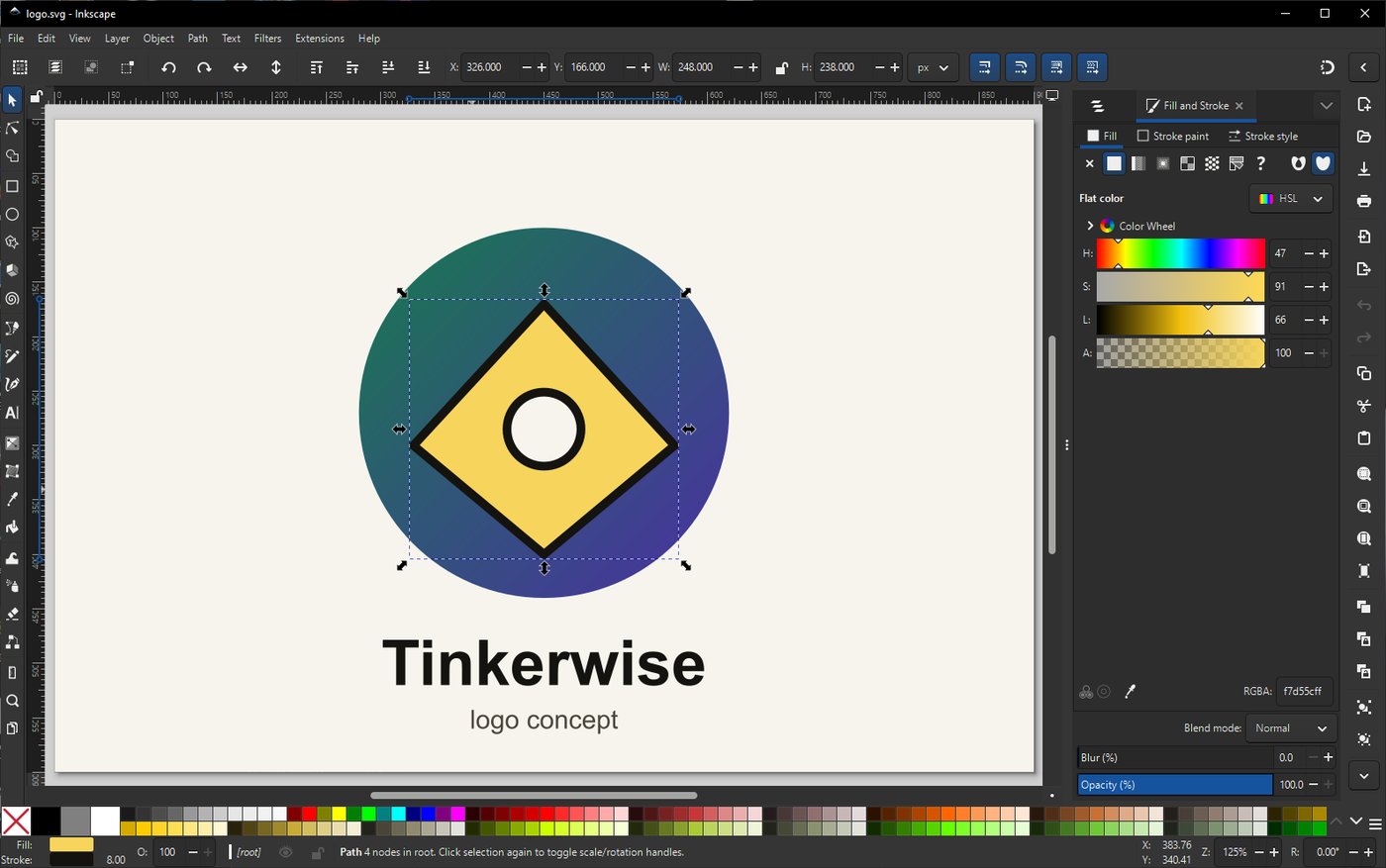
What it is. Inkscape is a vector drawing program for logos, icons and anything that must stay sharp at any size. You can draw shapes and text, and export them as PNG, PDF or SVG.
3. Premiere Pro: Shotcut
Premiere Pro, $11.03 a month → Shotcut, $0
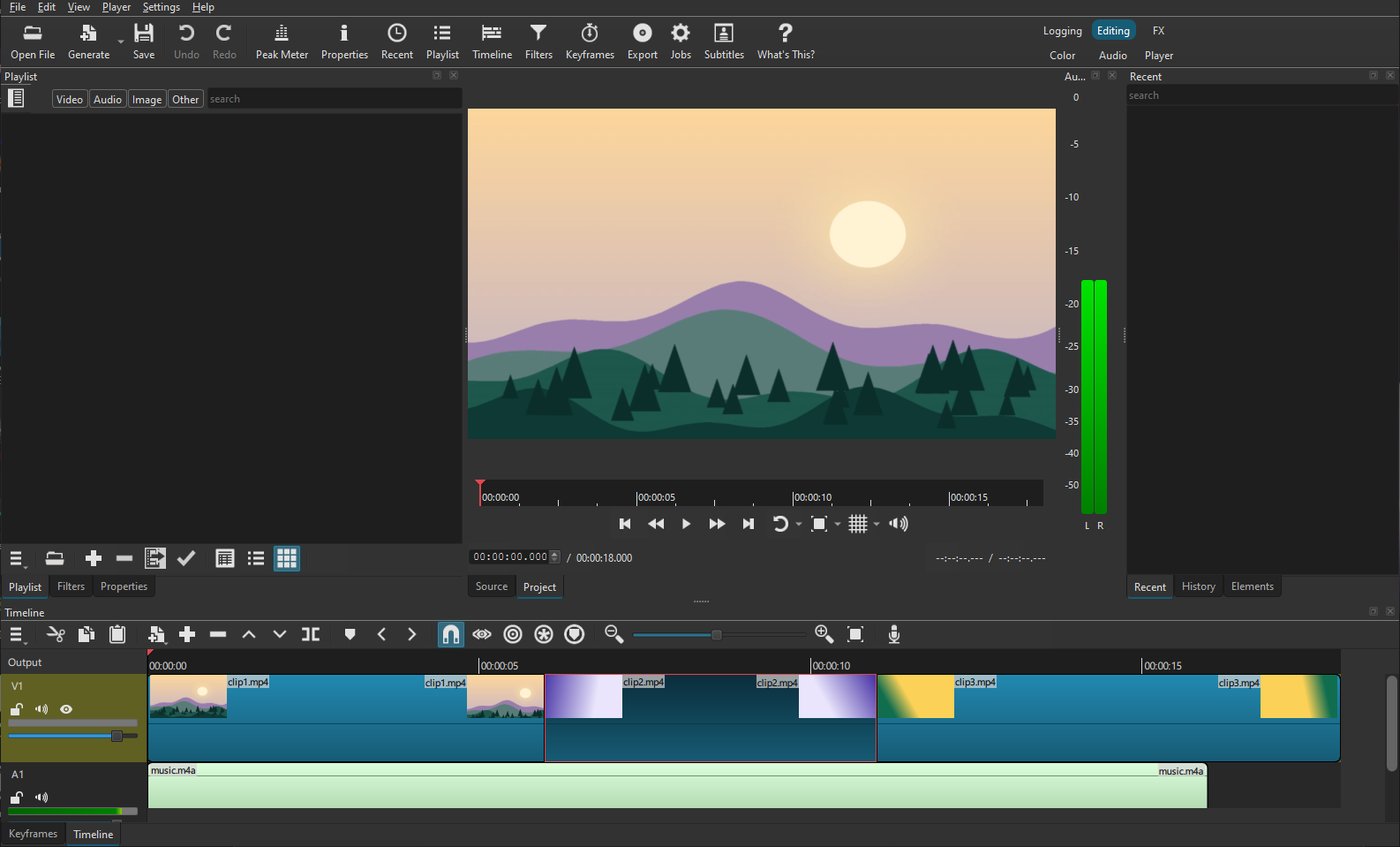
What it is. Shotcut is a video editor. You can cut and trim clips, add music, titles and transitions, and export an MP4.
4. Acrobat Pro: PDFsam Basic
Acrobat Pro, $9.60 a month → PDFsam Basic, $0
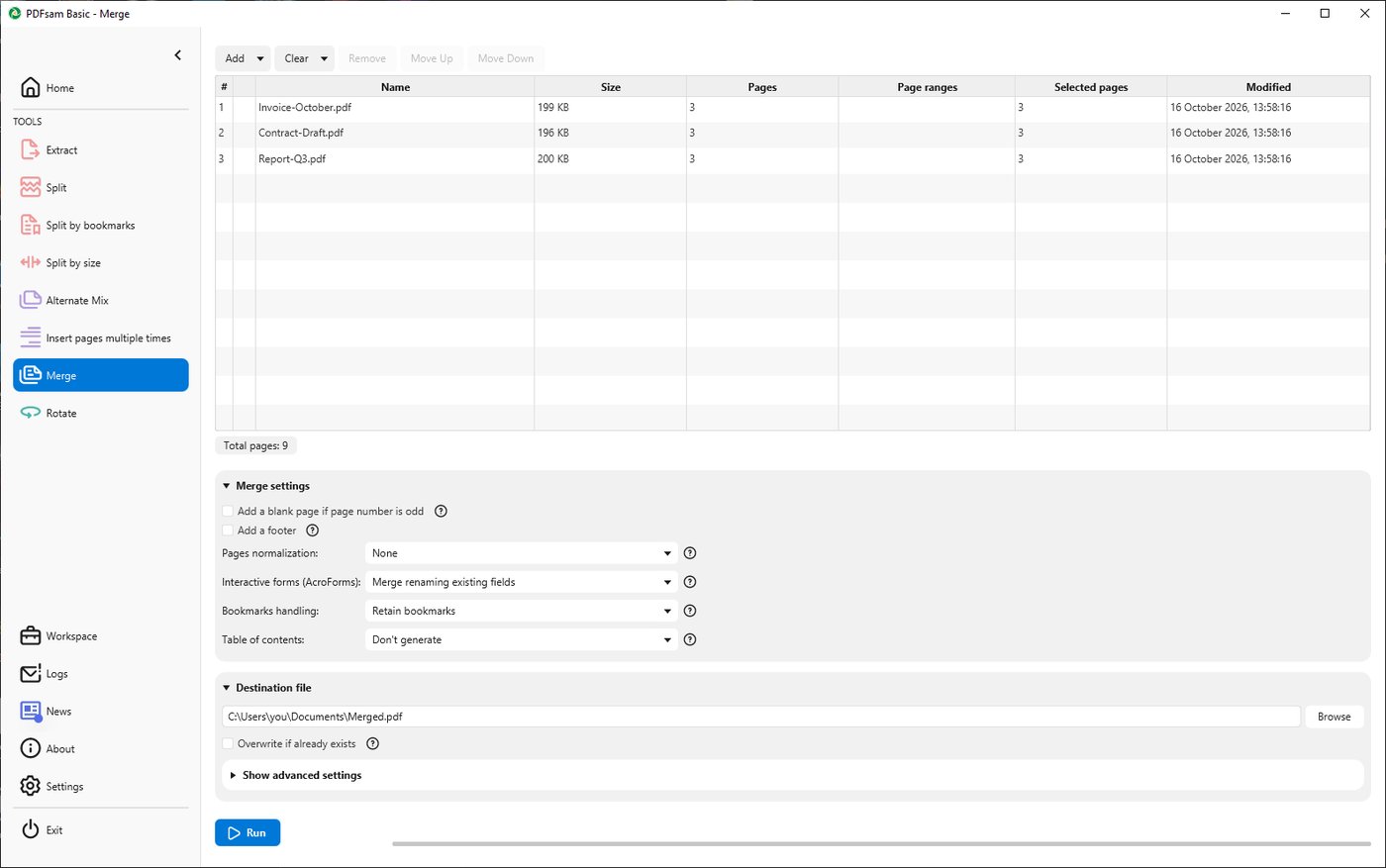
What it is. PDFsam Basic splits, merges, rotates and reorders PDF pages. For example, you can pull pages 3 to 5 out of a long PDF, or join several PDFs into one.
5. Loom: OBS Studio
Loom Business, $18 a month → OBS Studio, $0
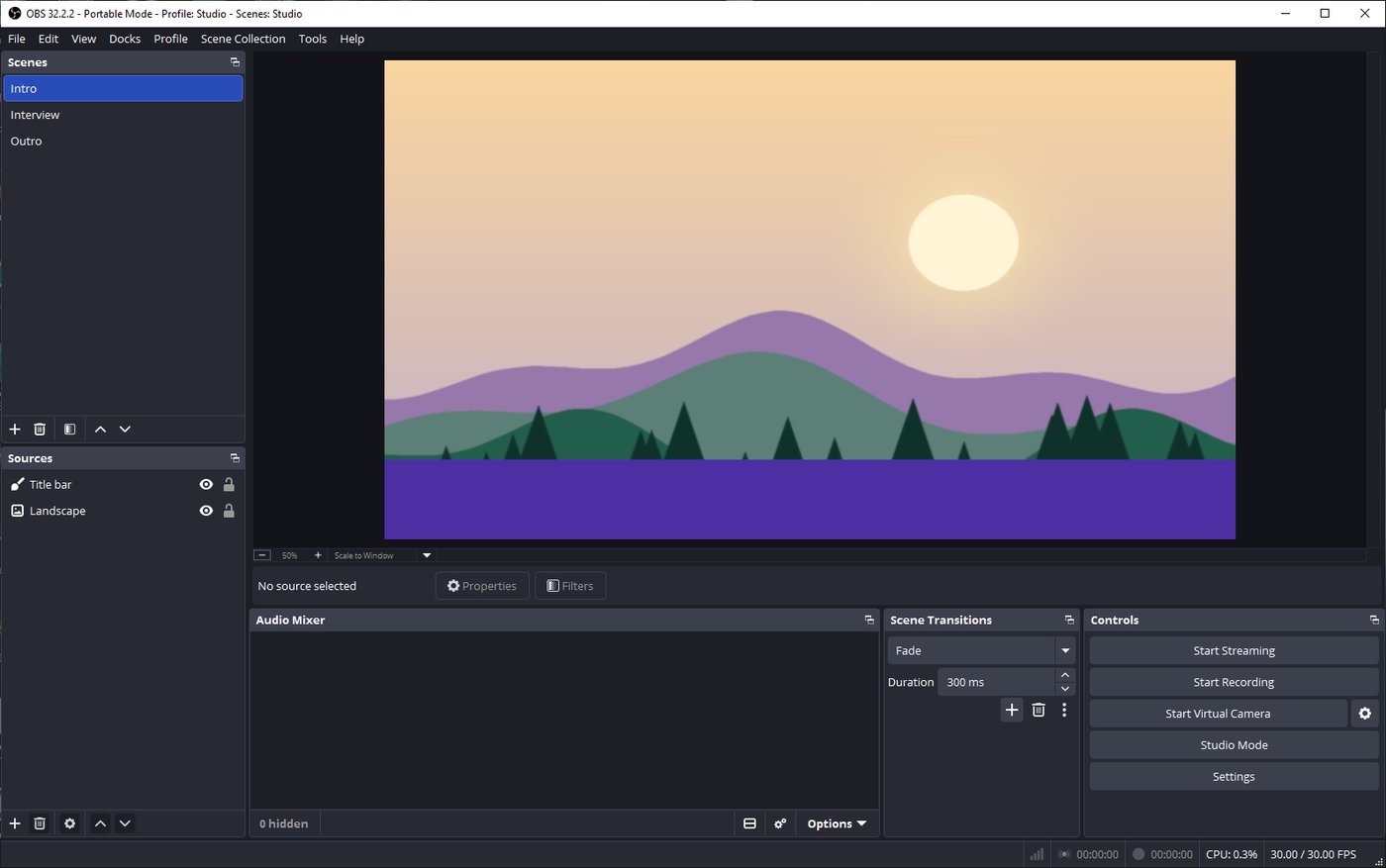
What it is. OBS Studio records your screen and your camera, so you can make tutorials, talking-head videos and screen walkthroughs with no time limit. Loom has a free plan too, limited to 25 videos of 5 minutes each at 720p, so the $18 plan is the one you would be dropping.
6. 1Password: KeePassXC
1Password, $3.99 a month → KeePassXC, $0
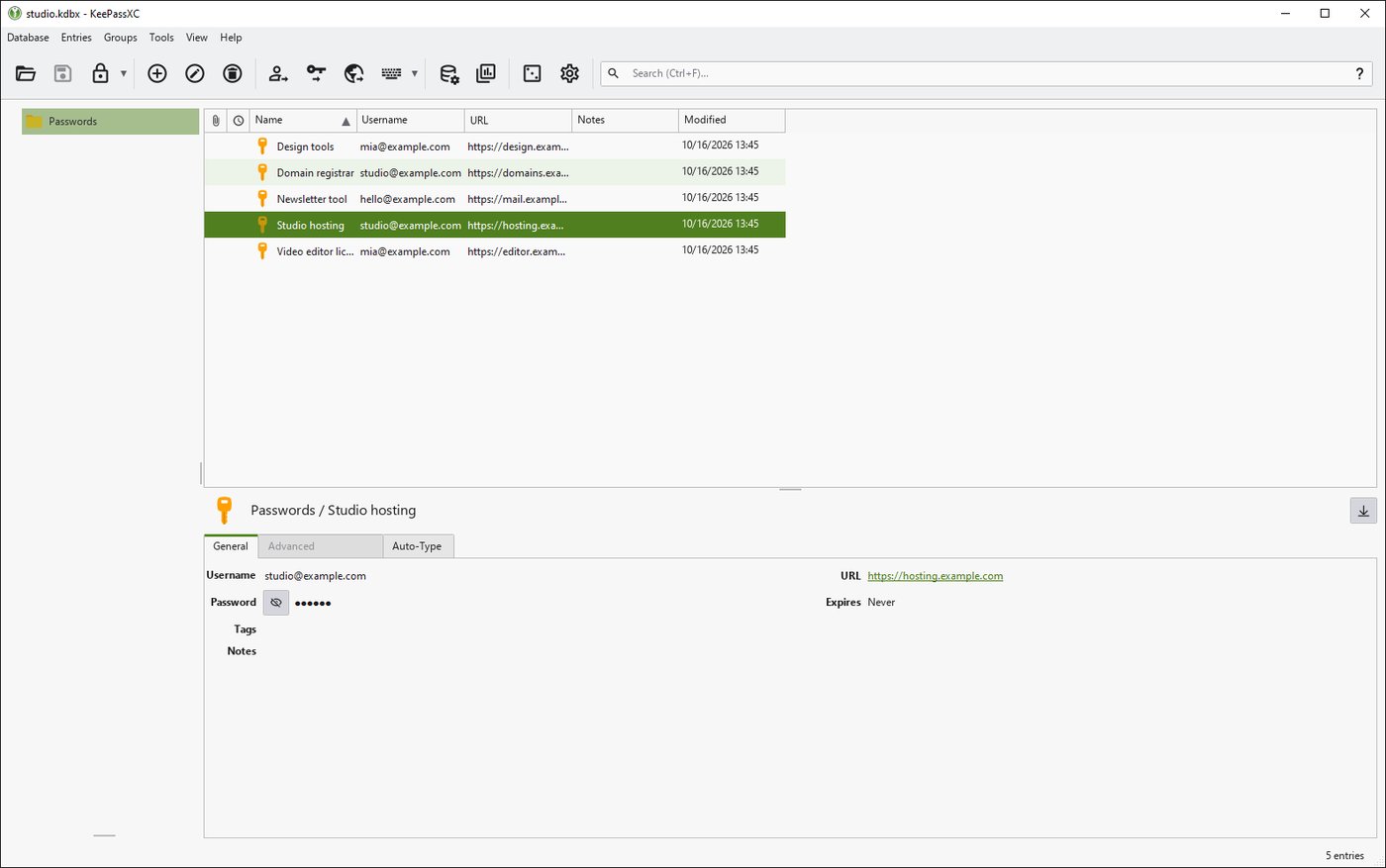
What it is. KeePassXC keeps your passwords in one encrypted file on your own PC. You remember one master password, and it fills in or copies the rest.
7. Notion: Joplin
Notion Plus, $10 a month → Joplin, $0
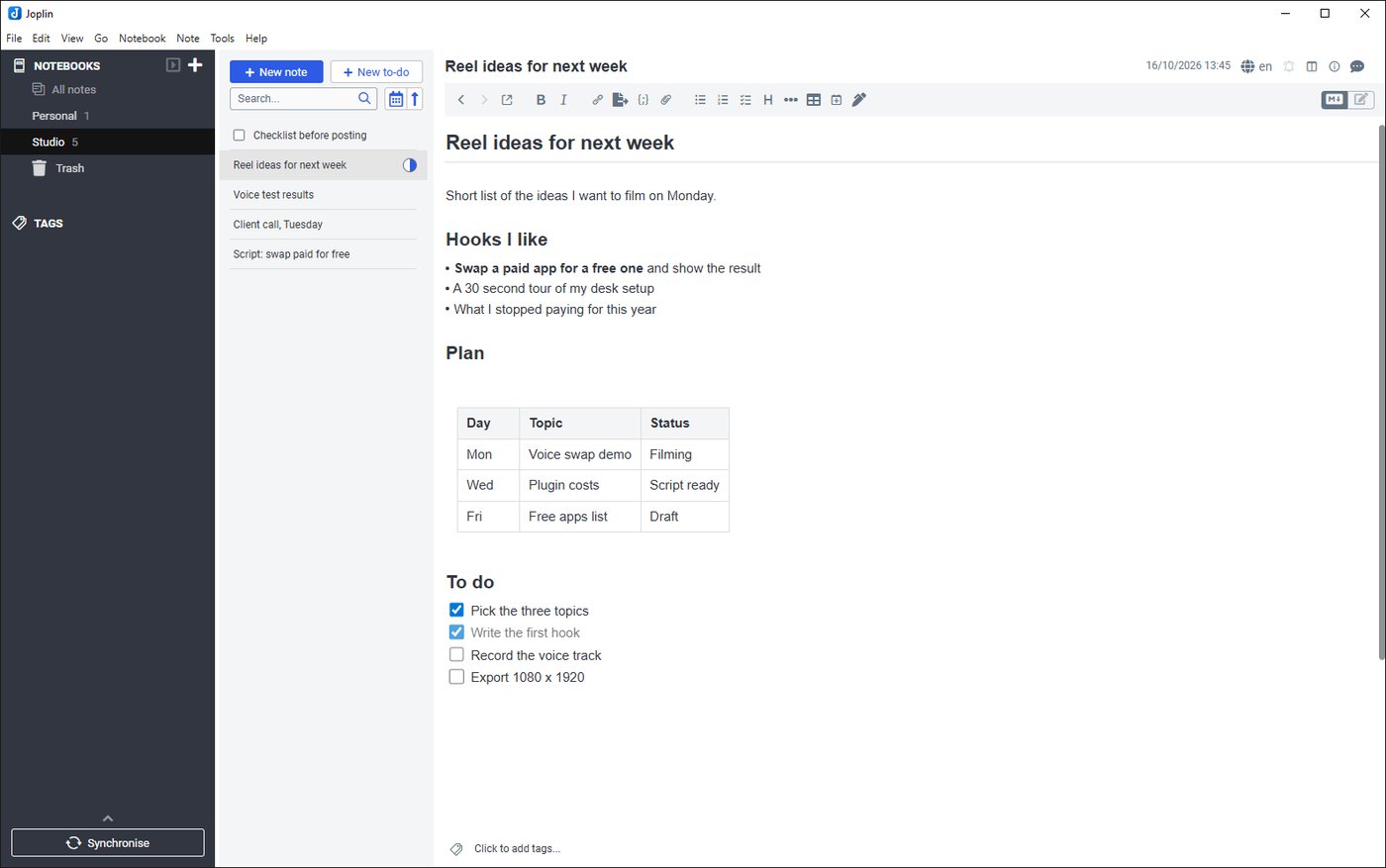
What it is. Joplin is a notes app. You can keep notebooks, checklists, tables and web clippings, and everything is stored as plain text on your PC. Notion also has a free plan at $0, so you are only replacing the paid one.
8. Lucidchart: draw.io
Lucidchart Individual, $9 a month → draw.io, $0
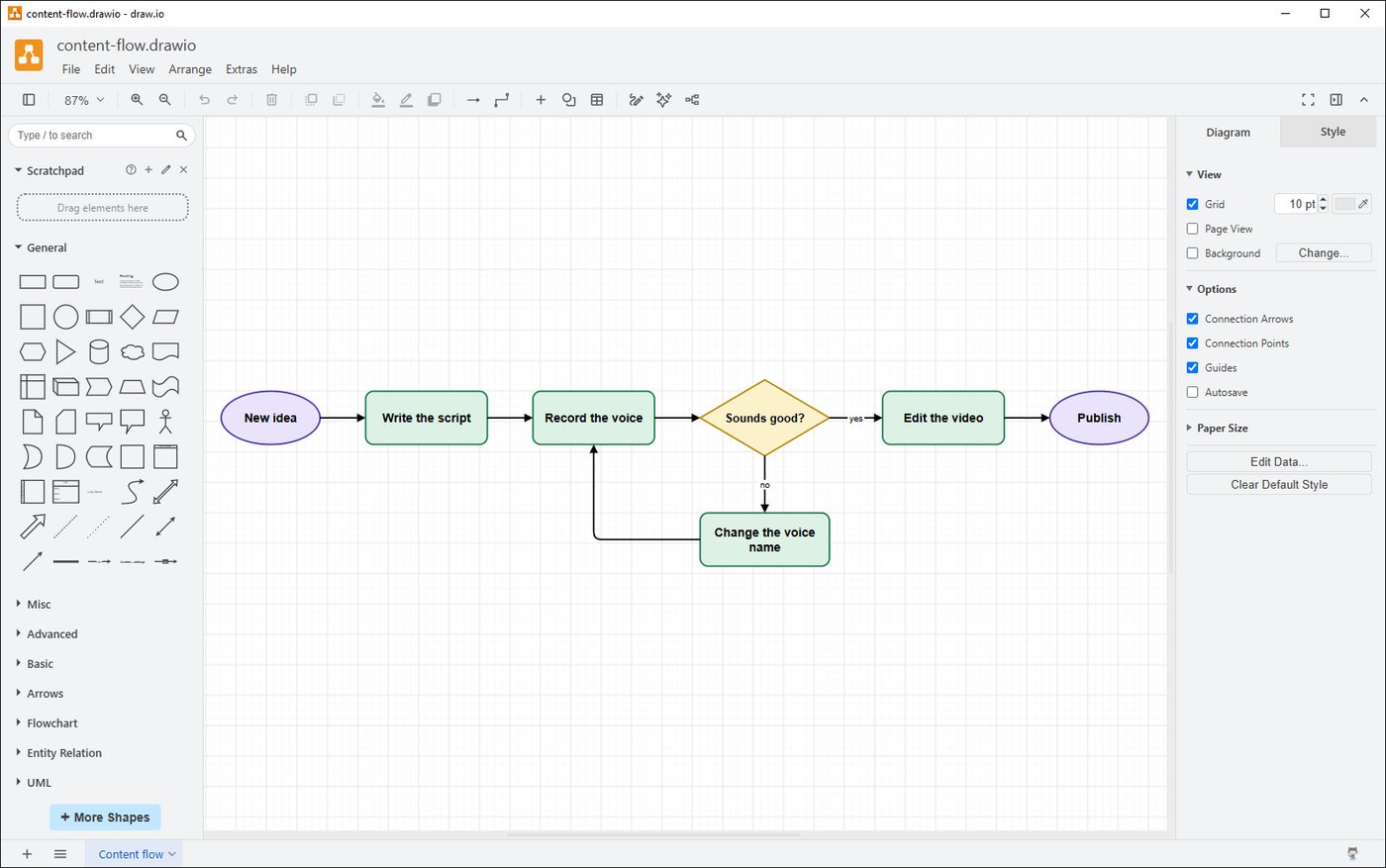
What it is. draw.io, also called diagrams.net, draws flowcharts, mind maps and diagrams from ready-made shapes. Lucidchart has a free plan too, limited to 3 documents with 75 shapes each.
Before you cancel anything
Each of these is a download you unpack and run from a folder. That tells you it runs, not that it fits your work, so do these three things first:
- Open your own files in it. Your photos, videos, PDFs, notes or drawings, not mine. Do this before you cancel anything.
- Check Acrobat first. PDFsam Basic works with whole pages, so if you pay for Acrobat to edit text or sign, see whether your own jobs need that.
- Keep the paid plan until it works. Cancel only after a real job went through the free program from start to finish.
How to run a portable app
A portable program is a folder that you unzip and run, with nothing installed and no changes to Windows. Right-click the zip, choose Extract All, open the new folder and double-click the program inside: krita.exe in the bin folder, KeePassXC.exe, inkscape.exe in the bin folder, shotcut.exe, pdfsam.exe, obs64.exe in bin and then 64bit, and draw.io.exe. Joplin is a single file, JoplinPortable.exe. Delete the folder to remove the program.
Two tips. The Inkscape download is a .7z file: get the small 7-Zip program 7zr.exe from 7-zip.org and run 7zr.exe x inkscape.7z. For draw.io, pick the download with "windows" in its name. On the first start some programs take a minute to open a window.
How to get the best result
Pick the swap that matches one real job you do every week, and do that job in the free program before you cancel anything.
- Use your own files. Open your photos, videos, PDFs, notes or drawings in the free app and look at the result.
- Keep the paid plan until the free one has carried a whole job from start to finish.
- KeePassXC: write your master password down somewhere safe and keep the database file in a synced folder.
- OBS Studio: answer the setup wizard once, then save a short test recording to see the sound and the picture.
- Prices: they change and differ by country, so check yours on the company page before you decide.
Want more free tools like this? Follow my content and check my other posts.
Get the next guide when it is ready.
One email a week at most, and you can leave whenever you like.